Best 32x32 Textures for Minecraft PE & Bedrock
Browse and download 32x32 Textures for Minecraft Pocket Edition & Bedrock on iOS, Android, and PC, or customize with MCPE Studio.
 .mcpack
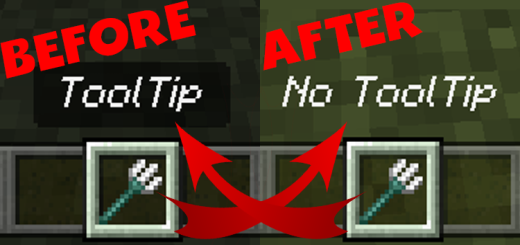
No Tooltip Background!
This pack simply removes the annoying black background behind the name of items in your hotbar when you select them! It makes the text less obtrusive and more clear in most cases!
 .mcpack
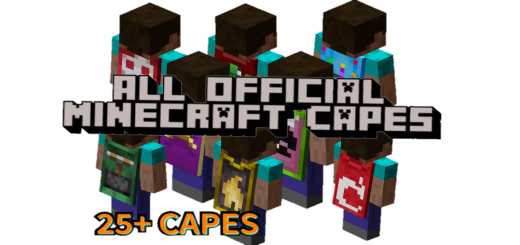
All Official Minecraft Capes 🔸 Server Support
Minecraft has released many different capes over the years. They were given to different players for different reasons. With this pack you get all of them for free. This pack includes Mojang capes, personal capes, minecon capes & vanilla capes.
 .mcpack
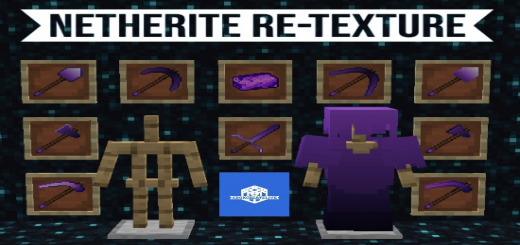
Netherite Re-Textured | By XBOXCreateLive
Most of the time I don’t really like the Netherite textures of Vanilla Minecraft ( I Believe that a Mr. F. NoTail agrees, let me know if you know what I mean.)Therefore I made this texture pack.In this texture pack I Re-Textured the Netherite Sword, Pickaxe, Hoe, Shovel, Axe, Armour and the Netherite Ingot, I started this pack because I didn’t like how the Netherite Armour covered my skin and I didn’t see the point of having a texture pack that just makes Netherite Armour invisible so that is in there if you want it, there are also second variants of the Netherite Pickaxe, Hoe, Shovel and Axe.
 .mcpack
Utility UI v4.0.0
Utility UI is an optimized texture pack based on UI allows you to unlock the true possibilities of the hud, Controlling everything in it, Turning it on and off if you want, And so many useful modules that you will see here.. Made by HJN and Err0r.The pack size is very optimized and the pack overhaul does not effect the gaming experience of the game, Instead by turning off options in utility panel will lead to a clean ui experience. Features MenuHow to open the menu?Well you need to double click the top left toggle in the pause screen
 .mcpack
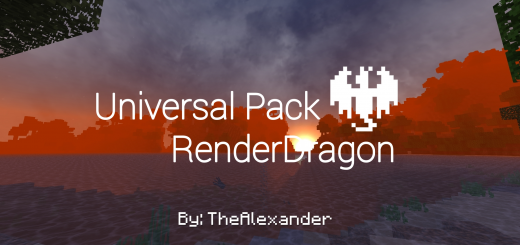
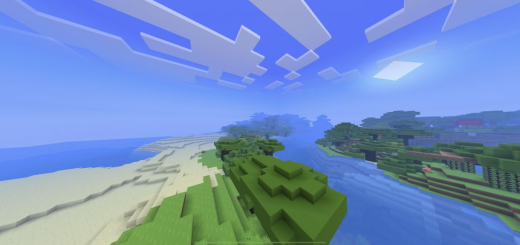
Universal Pack V1.3.5! - RenderDragon (Compatible with All Devices)
The Universal Pack (Renderdragon support) is a resource package that focuses on beautifying our minecraft to have a better gaming experience, it works on any device and is 100% optimized you will not have any type of lag, I invite you to try this package you will not regret it.Features:Improved sky with more realistic clouds, sun and moon.Texturing of water and also the fog is attached to itNew particles.It works on all devices.It has no delay.Improves Performance thanks to the mist
 .mcpack
Simple Shaders PE 1.19
Simple Shaders 1.19 transforms Minecraft PE to look brighter, cleaner, and more minimalistic. It is specifically designed for the Bare Bones Texture Pack, with graphics inspired by the Official Minecraft Trailers. This resource pack supports Render Dragon and MCPE versions 1.19+.
 .mcpack
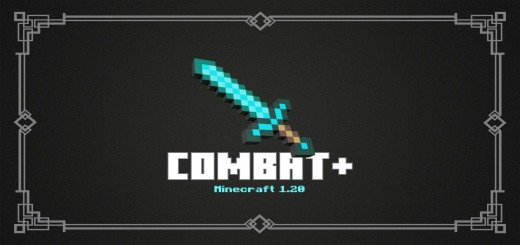
Combat+ | 1.19.50+
Do you know the "Toolbelt mod" which is in minecraft java? that's really cool isn't it?This resource pack is inspired by the Toolbelt mod, which will later give the player a belt, sword on the side of the player, bow, quiver, shield behind the player, etc. The method is the same as my previous texture pack, Adventure Plus, which will display additional accessories to players.Put the following items so that this resource pack can work!Sword (will display the sword on the right side of the player)Trident (player's back)Shield (player's back)Arrow = Quiver (player's back)Pickaxe & Axe (will display the bow/crossbow on the left side of the player)Totem of Undying (will appear on the front belt)Throwable items (will appear on the front belt)Bow & Crossbow
 .mcpack
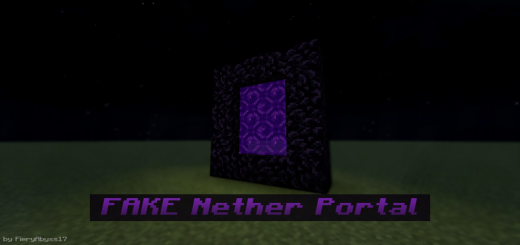
Fake Nether Portal
Welcome to my other texture pack. This texture pack lets you create fake nether portals which are useful for decoration or for pranking your friends, this will turn the magenta glass pane into a portal. You can use any texture pack that will work with this. maybe I will make another version for end portal This texture pack is very simple, you only need a magenta glass pane to create a fake nether portal.
 .mcpack
Crosshair+ (Fully visible Crosshair)
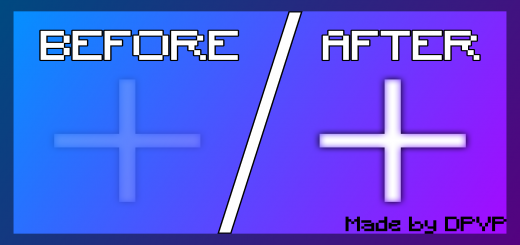
Have you ever wanted a crosshair that is fully visible in the middle of your screen without any color changes? yes? Now is your lucky day! Download this Pack and get "better hits in PVP"FEATURESFully visible Crosshair (no color changes)Crosshair in F5 for better Combos and "YT Clips" Supports any crosshair/-pack/-color (Move this pack to the top)File is under 3,00 KB in Minecraft ✅Works on Windows, Console, Mobile
 .mcpack
Compax' PVP+
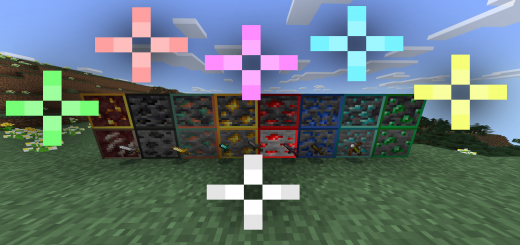
You ever wanted a high quality PVP Texture pack?This one also includes crosshairs of chooseable colour, but also changes aspects of gameplay like ores and swords. Change crosshair colour using the slide bar when enabling the addon.Use the slider to change the colour of the crosshair in-game.It ranges from Default, Green, Red, Purple, Blue, Yellow and White.Other FeaturesOres have outlines and are easier to spot underground, bows have coloured charge-ups, fire is shorter and less annoying and swords are also shorter which makes them easier to see