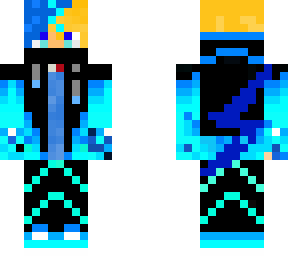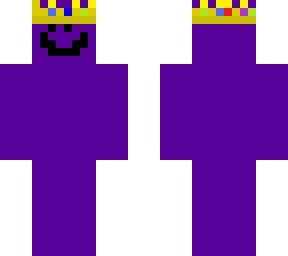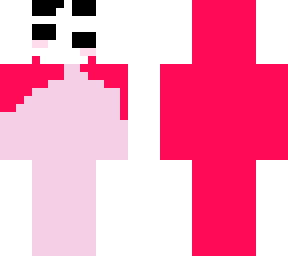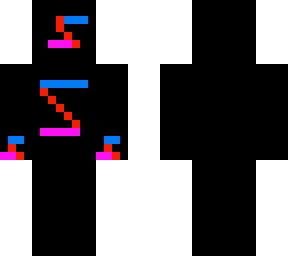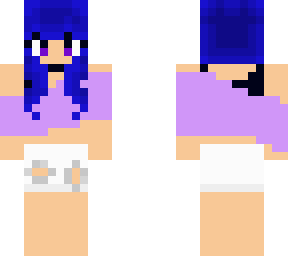
Youtuber:My other youtuber skin XD
Pack Specifications
| Category | Skins → Youtuber |
|---|---|
| File Format | .PNG |
| Supported Devices | iPhone, iPad (iOS), Android, Windows 10/11 |
| Minecraft Version | Bedrock / Pocket Edition 1.20 – 1.21+ |
How to Install My other youtuber skin XD
- Download the .PNG skin file directly from this page to your iPhone, iPad, Android, or PC.
- Open Minecraft Bedrock / Pocket Edition and go to Dressing Room → Classic Skins.
- Tap Choose New Skin and select the downloaded
.pngimage from Photos or Files.
Skins · Youtuber
.PNG
My other youtuber skin XD
Ready for iPhone, iPad, Android & Windows Bedrock. Instant direct download + unlimited access to our AI Skin & Addon Studio.
Customize Similar in AI Studio- Verified .PNG direct file download
- Unlock every mod, skin, map & AI generator
- 3-day free trial · Cancel anytime in 1 click
Frequently Asked Questions
Is My other youtuber skin XD compatible with iPhone, iPad, and Android MCPE?
Yes. My other youtuber skin XD is packaged in .PNG format for Minecraft Bedrock / Pocket Edition across iOS (iPhone & iPad), Android, and Windows 10/11.
How do I install My other youtuber skin XD in Minecraft?
Download the .PNG file, open Minecraft -> Dressing Room -> Classic Skins -> Choose New Skin, and pick the downloaded file.
Can I customize My other youtuber skin XD or create similar designs?
Yes. Use our AI Skin & Addon Studio to generate matching custom skins, bosses, or weapons inspired by My other youtuber skin XD in seconds.