Best Scripts Mods for Minecraft PE & Bedrock
Browse and download Scripts Mods for Minecraft Pocket Edition & Bedrock on iOS, Android, and PC, or customize with MCPE Studio.
 .mcpack
EasyWarp
EasyWarp is an addon/script made to make it easier for you to load your warp with certain commands. EasyWarp still has bugs that cannot be fixed and if you find a new bug please report it immediately.EasyWarp is an addon/script made to make it easier for you to load your warp with certain commands. EasyWarp still has bugs that cannot be fixed and if you find a new bug please report it immediately.Get Permission:/tag @s add mc:AdminCommandPerfix : -Admin Commands:-addwarp <warpName> : make a new warp.-delwarp <warpName> : remove warp.-warp <warpName> : teleported to warp.-listwarps : list all warps.-help : list all commands.Player Commands:-warp <warpName> : teleported to warp.-listwarps : list all warps.-help : list all commands.
 .mcaddon
Emote+ v1.1 Update! (1.17.x)
Have you ever wanted to fully Role Play, but lacked the current player animations and downloaded addons? This addon will help you solve your problem! Thanks to this addon, any player on the server can play any animation, even without operator rights.This addon works quite simply. You need to write to the chat ".emote", to see a list of available animations that you want to play.Some of these animations were made by hand, and therefore they require MANDATORY inclusion of the texture pack for the addon.
 .mcpack
Blocks Per Second Calculator (Script/Windows 10 Only)
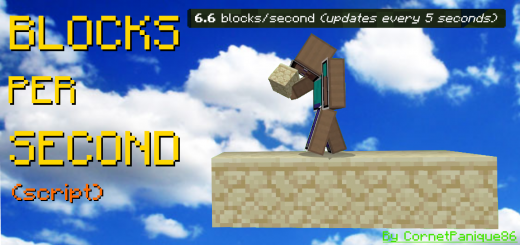
This script let's you calculate how many blocks you place every second! You can customise the time between every update: 1, 3, 5, 30 or 60 seconds! Singleplayer and Windows 10 only.This addon/script is useful for knowing the average speed of bridging techniques, as it tells you how many blocks you place per second(s). This addon only works for Windows 10 and in singleplayer with the "additional modding capabilities" feature enabled!To choose how many seconds you want between every update, click on the gear icon when the addon is applied to your world:
 .mcpack
Speed Run Timer (Script)
This script is simple but very useful, thinking of people who do speed runs, I made a counter that measures the time since you enter it will count seconds minutes and hoursSpeed run timer:It is quite simple, I would take it as a test but for anyone who wants to try it here is enjoyLately I've been experimenting a bit with scripts and that, well thank you very much, I hope I can do better things in the futureHow to put a custom ui to make it look better, but from what I understand that would make it stop working on a cell phone, finally a mess, thank you very much for reading if you are interested, just download it As it is a script, you have to check this box here and it could just work ^^Currently with what I played with the script I managed to reach the nether in 15 minutes I think there will be a photo of what I realize is that it is something annoying that is repeated every time, soon I will see a way to put it as if they were coordinates a number static that is changing if someone knows how to do something like this please contact me uwu
 .mcpack
Real Life Time
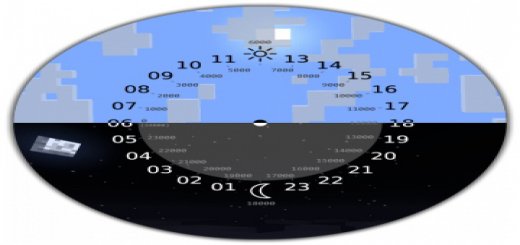
This little addon (script) allows you to synchronize the time between the real world and the Minecraft world. Works on Windows 10 only, experimental mode must be enabled. Enjoy it.I think it's better to see something once than to hear about it a thousand times.Before entering the game world, you will see this window (see screenshot), you must press "Enter world" (depending on your localization).The current time data is taken from your computer, so if necessary, you can change the time on your computer and the time in your world will also change.Time is synchronized every 10 seconds to reduce the load on the computer.Attention! Don't put past dates on your computer, you might lose the world! This is not an addon bug, this is a minecraft bedrock bug
 .mcaddon
Damage Indicators Script (Updated)
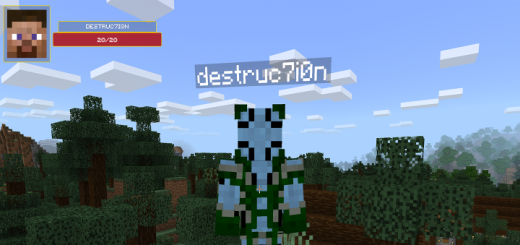
An addon which takes advantage of the new Scripting API to provide damage indicators for mobs, presented at the top left of your screen. It is fully multiplayer compatible, and will not intrude on your Minecraft experience.What?This script will show a health bar for mobs/players you aim/hover on.FeaturesWill show the name of the entity if available, otherwise the entity's identifierWorks on Multiplayer servers with the behaviour pack installedAutomatically resizes to fit multiple screen sizesWill work on versions 1.10+ on Windows 10 (Once BlockLauncher supports unlocking scripting again, Android should be supported)How?This is using the new Scripting functionality available in the latest bedrock versions, and specifically takes advantage of those added in the 1.10 update.NotesIf you see a picture of my Minecraft skin face in the preview area, that means that the entity you're looking at isn't one that I added to my list, and you'll see my wonderful face instead! :)This will not show the image of the faces of other players.Developer? Take a look at the server script for some details about the code (scroll down a bit)...Custom Entity SupportStarting with addon v1.1.0 you can add images for your own entities.In the resource pack folder for this addon, go into the folder experimental_ui/custom and place .png files in there which are the id of the entity you wish to add. For example, with an entity of the id dinosaurs:trex (this is the id used in the summon command) the file would be trex.png.The Scripting API is still an experimental feature. I do not recommend using it in your primary survival world.
 .mcpack
Mobile Jukebox
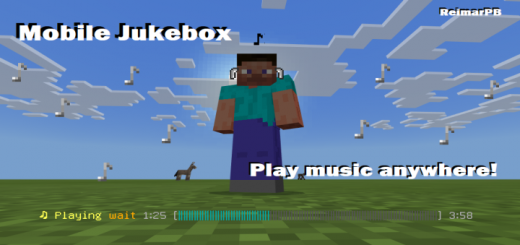
With this script, you can play your favorite Minecraft music anywhere. Just run a command, and music will automatically play while you're playing Minecraft. Currently supports shuffling, looping and playing any music disc of your choice.With this script, you can play your favorite Minecraft music anywhere. Just run a command, and music will automatically play while you're playing Minecraft. Currently supports shuffling, looping and playing any music disc of your choice.Commands/function jukebox/shuffle - Automatically plays random songs/function jukebox/play - Type this command while holding a music disc to play it/function jukebox/loop - Loop the song you are currently hearing/function jukebox/skip - Skip the song you are currently hearing/function jukebox/status - See in the chat how far you're into the song/function jukebox/progress - Toggle the progress bar that shows up when you're playing a song (on by default)/function jukebox/particles - Toggle the note particles that show up above your head while playing a song (on by default)
 .mcaddon
World Edit Paint Brush
Create a mountain in minutes with this one addon! Super helpful for any terrain related projects! This addon adds a little brush, which will give you super scultping powers! - It's super easy to understand and get the hang of!This scripted addon allows you to sculpt almost any form of terrain! All you need to do, is hold the paint brush & click!How to setup :Step 1: Install the pack, and put both the behaviour, and resource pack onto an existing or new world.Step 2: Give yourself the paint brush.Step 3: Setup your hotbar like so :... with the paintbrush in the first slot, and the building materials in the last 3 slots. If you only want to use two different block variants, place them in the last 2 slots, and if you only want to build out of one block, place it in the last slot. If you want to build with air, leave all 3 of the last slots empty.Step 4: Look anywhere near you (must be looking at a block), and right click/long-tap. You can also hold right click to build a lot of land at once. Don't spam this too much, as it may cause lag.Extra notes : Make sure to enable experimental gameplay!
 .mcaddon
Admin Panel V4 NBT Commands (1.13+) (Script) (Removed Ads)
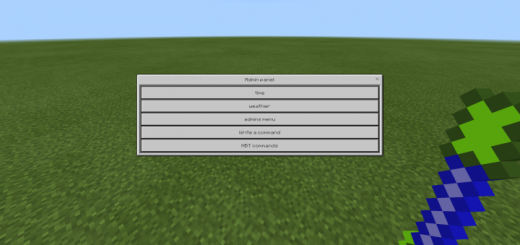
This script adds an admin panel to the game which can be accessed by players who have permission. Admins can control the world using a custom user interface with fast settings or by typing any command and some basic NBT commands. You can use it if world owner gave you permission.Creator: Drag0nD, Twitter Account Other Credits: thanks reimarPB for CSS fileHow to use the admin panel?First off you must have permission from the owner.If you are the owner and you want to give someone permission from admin panel press on admins menuthen UI will appear with list of players press on players who you want to give permission until their names become green (in the UI).Now after you got the permission you can open admin panel by crafting other item (see the screenshots for recipes) and use it by right clicking at any block.The admin panel includes options for controlling the time, weather and for writing any command.
 .mcpack
WorldEdit for Bedrock Edition
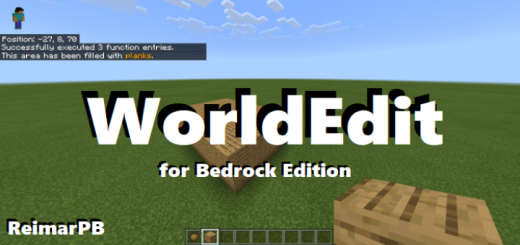
This is a Bedrock port of the popular WorldEdit Minecraft mod. This lets you quickly fill out areas with blocks without having to place them all or remember your coordinates to use /fill.This addon works similiarly to the original Java version.How to use:First, get a Fire charge. You can pull it straight from your creative inventory or type out "/function worldedit/wand" to have it put in your hand.Now, you have to select two points where you want to fill all the blocks in between. To do this, right-click with your fire charge on the two blocks. If you mess up, just do it again. It is always the last two positions you selected that count.Now it's time to fill the area. Grab the block you want to fill it with, and type one of the following commands:/function worldedit/fill - This is the most basic one and fills out all blocks between the two points./function worldedit/fill-walls - This creates four walls./function worldedit/fill-borders - This filla out all borders, making a hollow box.If you are holding an invalid block, while you're typing it, nothing will happen.To copy-paste an area, select it using the fire charge, go to where you want to paste it and then type /function worldedit/cloneThis was last tested on version 1.14.1 so if you are playing a later version, bugs might appear. If you have any feedback, please leave it in the comments or send it to [My username]@gmail.com (Avoiding web crawlers from finding and spamming my email :] )NOTE: This addon does not yet support multiplyer, however I am considering supporting it in the future.